
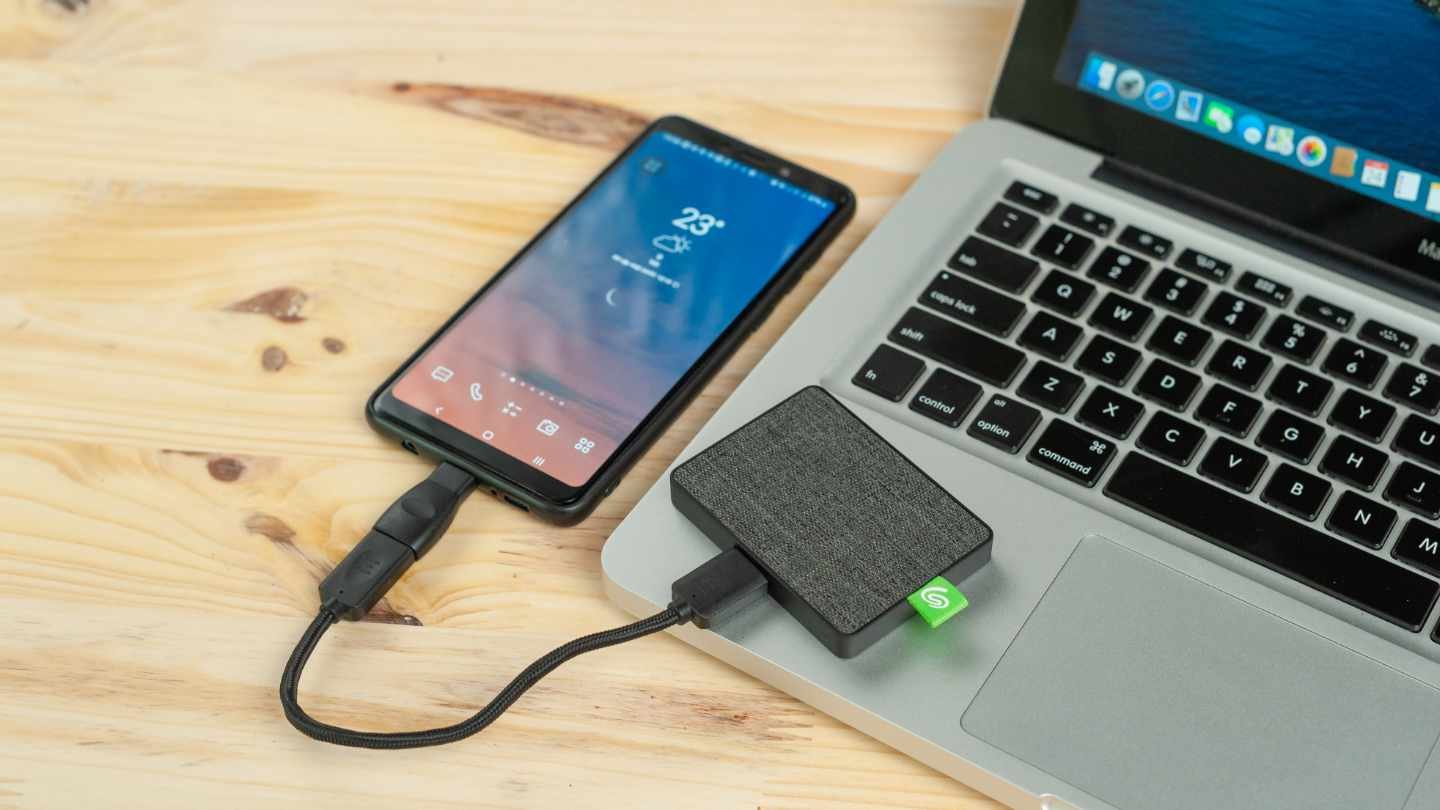
The often-overlooked upgrade that makes content creation faster, smoother, and more professional in 2026
In the world of content creation, streaming, and remote work, most people focus heavily on cameras, microphones, and lighting. However, one of the most impactful upgrades you can make often goes unnoticed — storage and speed, specifically through a high-quality External SSD.
Whether you’re editing 4K videos, managing large photo libraries, backing up important files, or running multiple applications at once, the speed and reliability of your storage directly affect your productivity and the quality of your output.
Why External SSDs Matter More Than Ever
Modern content creation demands speed. Raw 4K footage, high-bitrate audio files, and large project files can quickly overwhelm traditional hard drives. An External SSD solves this by offering:
- Blazing-fast transfer speeds (up to 2000MB/s or more with USB 4.0/Thunderbolt)
- Near-instant file access
- Silent and cool operation
- Shock resistance (much more durable than mechanical HDDs)
- Compact and portable design
For creators who frequently move between locations or need to collaborate with others, a fast external SSD becomes an essential tool rather than a luxury.
How External SSDs Boost Your Online Presence
1. Faster Editing & Rendering
A high-speed SSD dramatically reduces the time spent waiting for files to load, scrub through timelines, or render final videos. This means you can produce more content in less time — directly improving consistency and growth.
2. Smoother Workflow
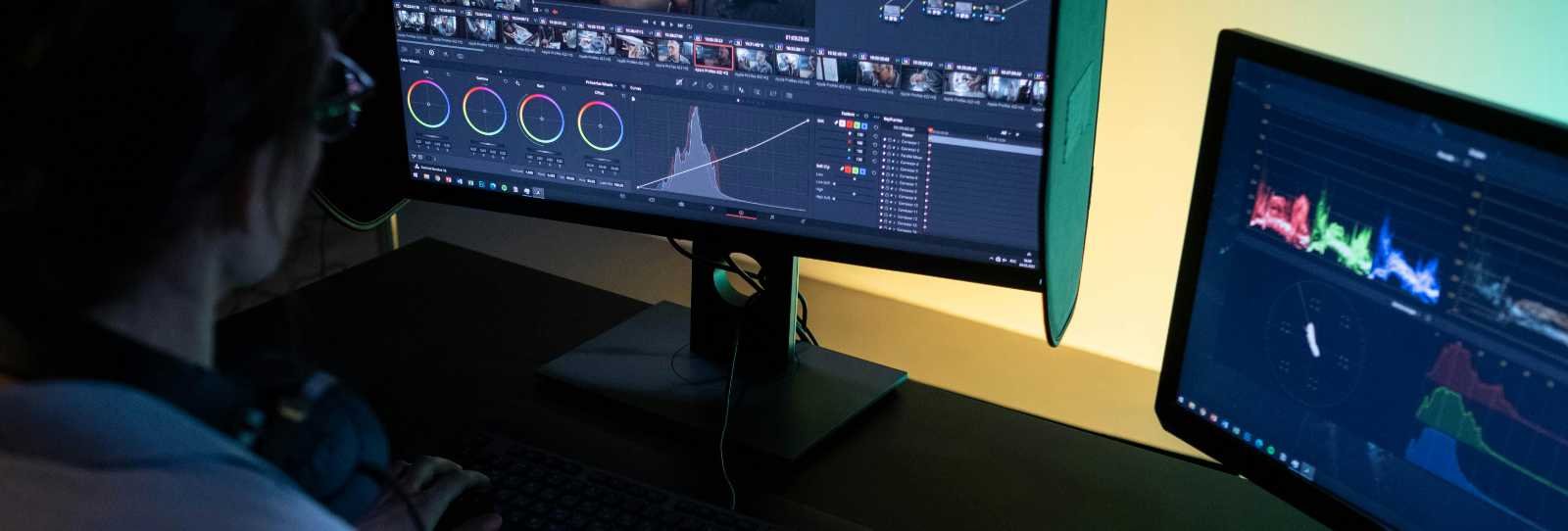
With fast read/write speeds, you can work directly from the external SSD without noticeable lag. This is especially useful when running resource-heavy programs like Adobe Premiere Pro, DaVinci Resolve, or Final Cut Pro.
3. Reliable Backups
Fast SSDs make regular backups painless. Never lose important footage or client projects again because your storage couldn’t keep up.
4. Better Live Streaming Performance
External SSDs can be used as scratch disks for streaming software, reducing dropped frames and improving overall stream stability.
5. Portability for On-the-Go Creators
Compact, lightweight SSDs allow you to carry massive amounts of data (1TB–4TB) in your pocket, making location shooting and travel content creation much easier.
Key Features to Look For in 2026
When choosing an external SSD, focus on these important specs:
- Interface: USB 3.2 Gen 2x2, USB4, or Thunderbolt 4 for maximum speed
- Read/Write Speeds: Aim for at least 1000MB/s for everyday use, 2000MB/s+ for professional workflows
- Capacity: 1TB minimum, 2TB recommended for most creators
- Durability: IP67 water and dust resistance + drop protection
- Software: Look for drives with good encryption and backup utilities
Best External SSDs in 2026
Budget Tier (Under $120)
- Samsung T7 Shield (2TB)
- Crucial X9 Pro
Excellent value with solid speeds around 1050MB/s and good durability.
Mid-Range Tier ($120 – $250)
- Samsung T9 (2TB/4TB)
- WD Black P50 Game Drive SSD
Delivers speeds up to 2000MB/s and is reliable for intensive video editing.
High-End Tier ($250+)
- Samsung T9 Pro or Crucial T705 Portable
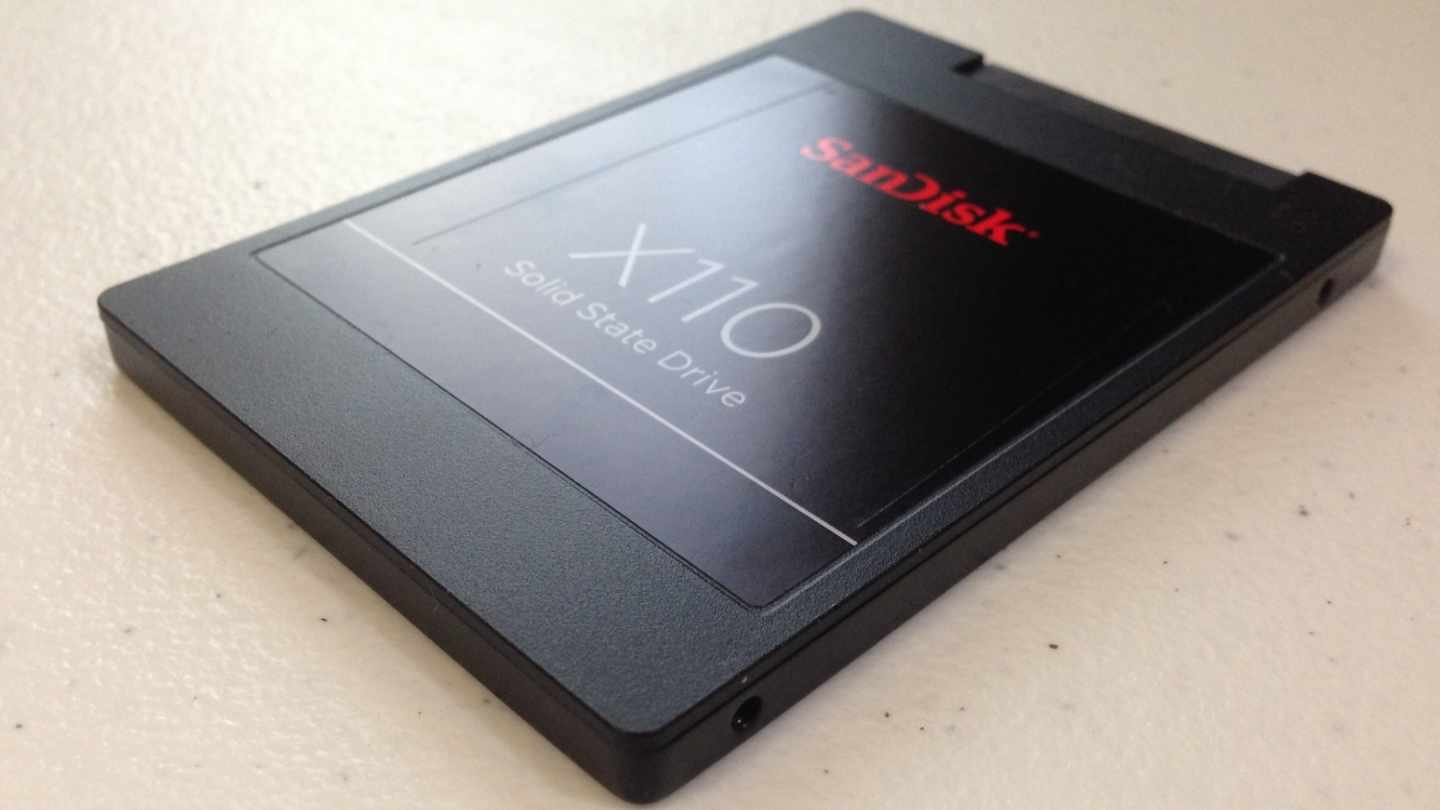
- SanDisk Professional PRO-G40 SSD
These offer Thunderbolt/USB4 speeds exceeding 3000MB/s and are built for professional workflows.
How to Use External SSDs Effectively
- Use your fastest SSD as your active editing drive (scratch disk)
- Keep completed projects archived on a secondary SSD or cloud
- Set up automatic backups using Time Machine (Mac) or File History (Windows)
- For maximum performance, connect via Thunderbolt 4 or USB4 ports when possible
Many creators report cutting their editing time in half after switching from traditional HDDs or slower SSDs to high-speed external drives.
In Conclusion
In 2026, content creation is more competitive than ever. The difference between good and great creators often comes down to workflow efficiency. A fast, reliable external SSD removes technical friction and lets you focus on being creative instead of waiting for files to load.
Whether you’re just starting out or running a full-time content business, investing in quality storage and speed is one of the smartest moves you can make. It directly translates to faster production, fewer frustrations, and ultimately — a stronger, more consistent online presence.
Don’t let slow storage hold you back. Upgrade your external SSD and feel the difference in both speed and peace of mind.
Your future videos, streams, and projects will thank you for it.

0 Comments