
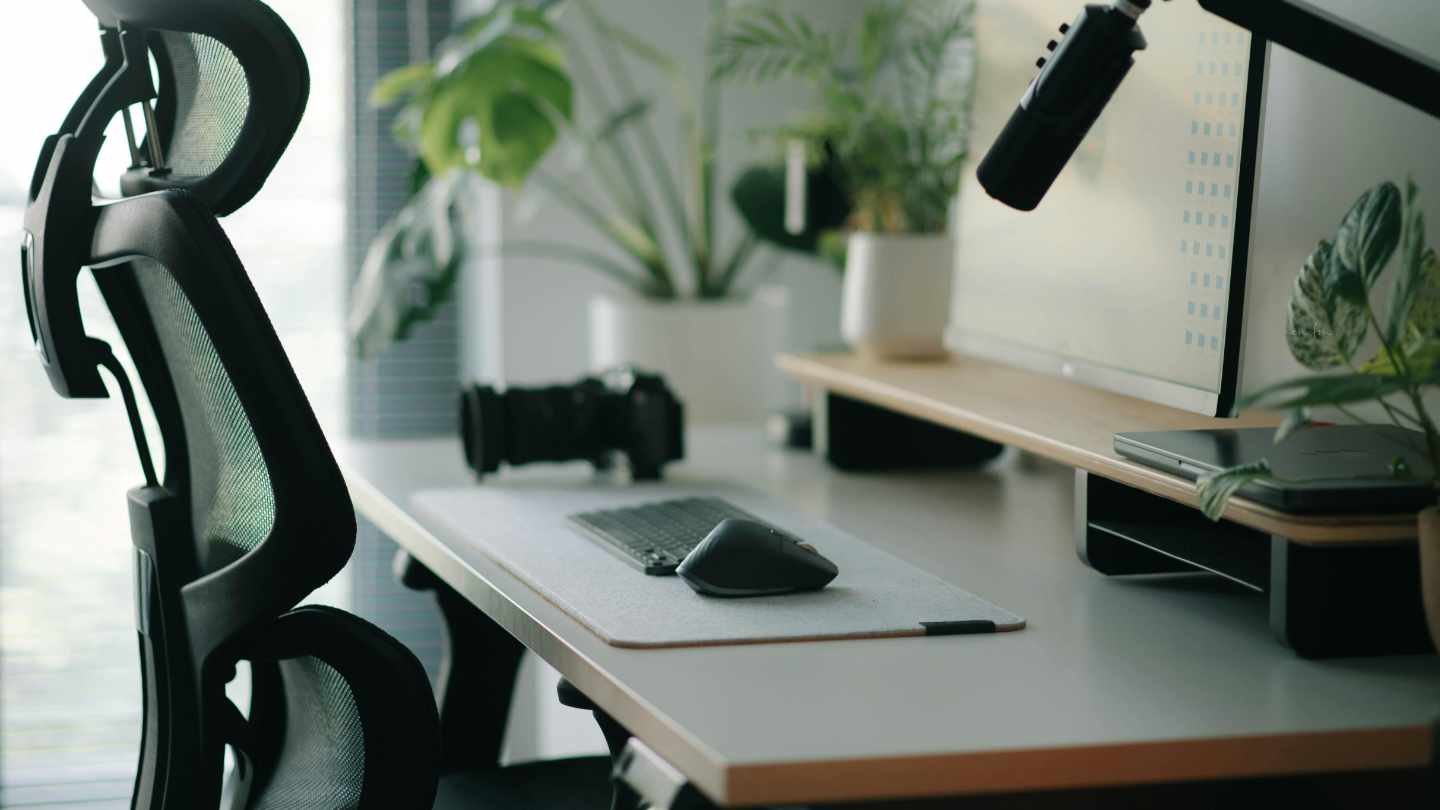
Why the right setup isn’t just about comfort — it’s about looking sharp, staying focused, and performing at your best on camera.
When most people think about boosting their online presence, they focus on cameras, microphones, lighting, and editing software. But one of the most underrated upgrades that can dramatically improve how you show up online is your physical workspace — specifically an adjustable desk and a **high-quality ergonomic chair**.
The truth is: your posture, energy levels, and ability to focus during long recording or streaming sessions directly affect how professional, confident, and engaging you appear on camera. A poor setup can make you look tired, slouched, and distracted — even if your content is excellent.
Here’s why investing in an adjustable desk and ergonomic chair is one of the smartest moves you can make to elevate your online presence in 2026.
1. Better Posture = Better On-Camera Presence
When you sit in a cheap office chair for hours, your posture naturally suffers. You slouch, hunch your shoulders, and crane your neck forward. On camera, this translates to looking tired, unconfident, and less authoritative.
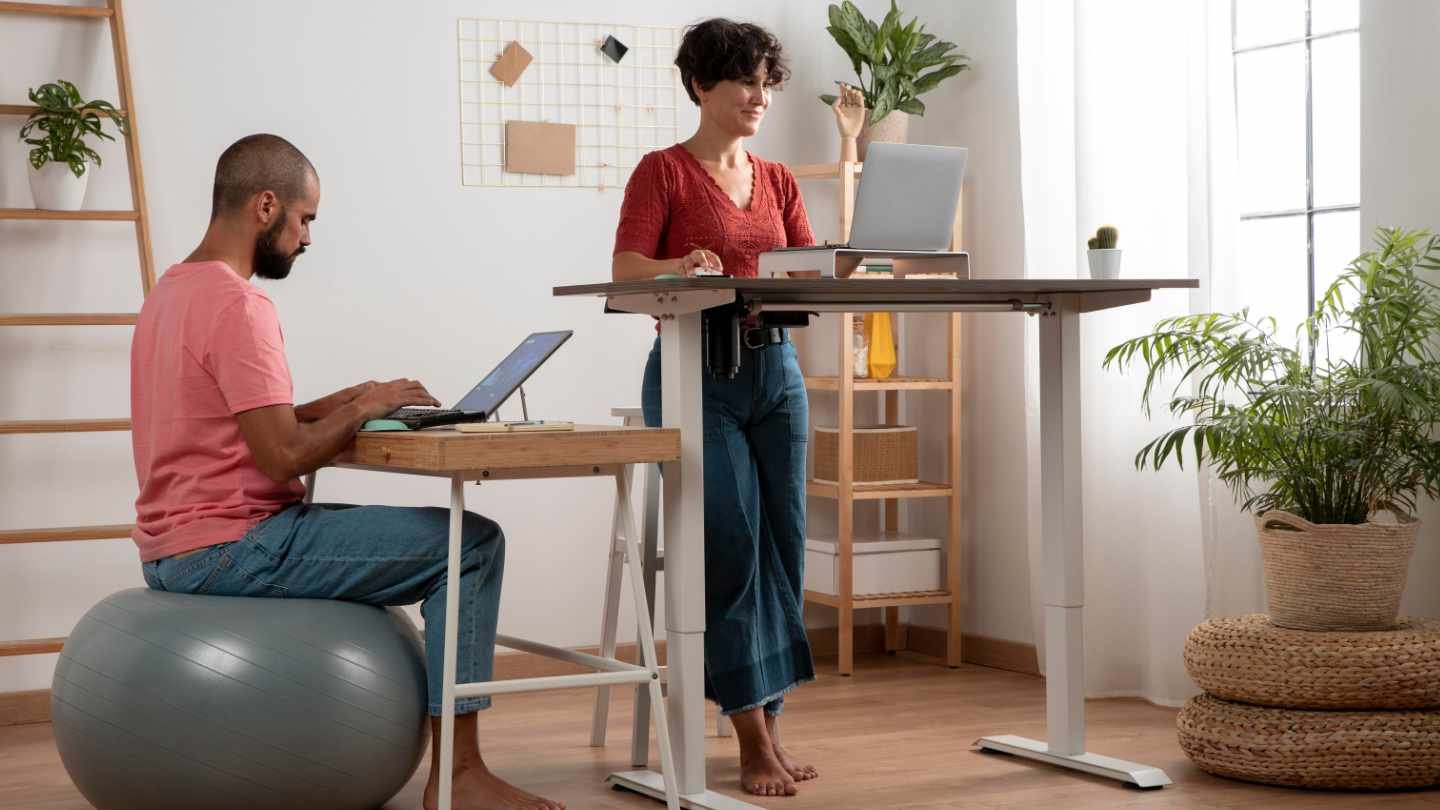
An ergonomic chair with proper lumbar support, adjustable height, and armrests helps you maintain a neutral spine position. When combined with an adjustable desk that lets you switch between sitting and standing, you stay upright and energetic throughout your recording sessions.
Viewers subconsciously pick up on these visual cues. Good posture makes you appear more confident, professional, and in control — qualities that build trust and authority online.
2. Increased Energy and Focus
Sitting in one static position for long periods kills energy and concentration. An adjustable desk allows you to easily switch between sitting and standing, improving blood flow and reducing fatigue.
Many creators report they can film or stream for significantly longer without feeling drained when using a proper sit-stand desk. Higher energy levels lead to better delivery, more enthusiasm in your voice, and higher-quality content — all of which help grow your audience faster.
3. Reduced Physical Discomfort
Neck pain, back pain, and wrist strain are common among content creators who spend hours at a desk. Discomfort shows up on camera as fidgeting, frequent breaks, and reduced performance.
A good ergonomic chair and height-adjustable desk minimize these issues, allowing you to stay focused and consistent. When you’re physically comfortable, you naturally come across as more relaxed and professional on screen.
4. Professional Framing and Camera Angles
An adjustable desk gives you complete control over your camera height and framing. You can easily raise or lower your desk to achieve the perfect eye-level shot — the most flattering and engaging angle for video content.
Standing desks also make it easier to create dynamic content where you move around while speaking, which keeps viewers more engaged than static sitting shots.
5. Long-Term Health = Long-Term Consistency
Building a strong online presence requires consistency over months and years. If your setup causes pain or fatigue, you’re much more likely to burn out or create inconsistently.
An ergonomic setup supports your long-term health, meaning you can show up regularly and maintain high-quality output for years — a massive advantage in the content game.
Recommended Gear for 2026
Best Adjustable Desks:
- Budget: Flexispot E7 or Autonomous SmartDesk
- Mid-Range: Uplift V2 or Fully Jarvis
- Premium: Herman Miller Renew or Vari Electric Standing Desk
Best Ergonomic Chairs:
- Budget: Hbada or Sihoo M18
- Mid-Range: Branch Ergonomic Chair or Nouhaus Ergo3D
- Premium: Herman Miller Aeron or Steelcase Gesture
Pro Setup Tip: Aim for a desk that goes from 24" to 50" in height and a chair with adjustable lumbar support, seat depth, and armrests.
How to Set Up Your Ergonomic Workspace
- Set your desk height so your elbows are at 90 degrees when typing.
- Position your monitor at eye level (use a monitor arm if needed).
- Keep your feet flat on the floor or on a footrest.
- Alternate between sitting and standing every 30–60 minutes.
- Ensure your chair supports your lower back properly.
In Conclusion
Your online presence is built on how you show up — not just what you say. A slouched, uncomfortable creator sends a very different message than one who appears energetic, focused, and professional.
An adjustable desk paired with a quality ergonomic chair is one of the highest-ROI upgrades you can make. It improves your posture, increases your energy and focus, reduces physical strain, and helps you deliver your best performance on camera.
If you’re serious about growing your personal brand, streaming career, or online business, don’t overlook your physical setup. The right desk and chair don’t just make you more comfortable — they make you look and feel like the professional you are.


0 Comments