
Discover the Power of Graphic Tablets for Creativity Without Limits
Graphic tablets have transformed the way artists, designers, and creators bring their ideas to life. Whether you’re sketching illustrations, editing photos, designing logos, or even teaching online, a graphic tablet offers precision and control that a mouse simply can’t match. Over the years, these devices have evolved from niche tools used by professionals into accessible, versatile gadgets for beginners and hobbyists alike.
What Is a Graphic Tablet?
A graphic tablet, also known as a drawing tablet, is an input device that allows you to draw, sketch, or write digitally using a stylus (pen). Instead of clicking and dragging like you would with a mouse, you can create natural, fluid strokes that mimic traditional drawing on paper.
Most graphic tablets connect to a computer or laptop and work with software such as Photoshop, Illustrator, or other creative programs. The stylus typically features pressure sensitivity, meaning the harder you press, the thicker or darker the line becomes—just like a real pen or brush.
Why Use a Graphic Tablet?
Graphic tablets offer several advantages over traditional input devices:
- Precision and Control: Perfect for detailed work like illustration and photo editing
- Natural Drawing Experience: Feels closer to pen-on-paper than a mouse
- Efficiency: Speeds up workflows for designers and creatives
- Versatility: Used for drawing, writing, editing, teaching, and more
They are widely used by graphic designers, digital artists, architects, animators, and even students taking notes.
Types of Graphic Tablets
Not all graphic tablets are the same. They come in different types, each suited to specific needs and skill levels.
1. Pen Tablets (Non-Display Tablets)
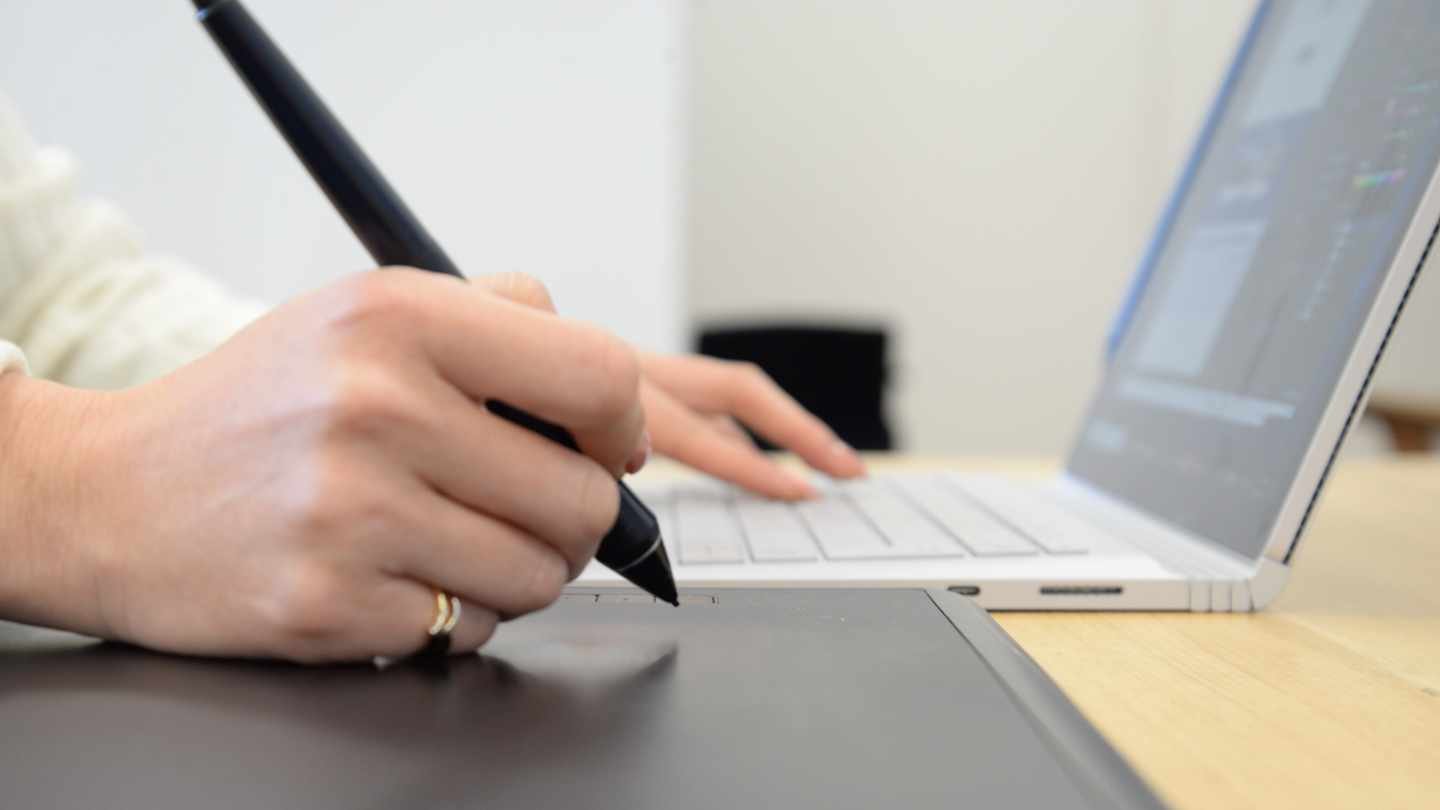
Pen tablets are the most basic and affordable type. They consist of a flat surface where you draw with a stylus, but the image appears on your computer screen—not on the tablet itself.
Key Features:
- No built-in screen
- Lightweight and portable
- Usually more affordable
- Requires hand-eye coordination (drawing on tablet while looking at screen)
Best For:
- Beginners
- Students
- Budget-conscious users
These tablets are ideal for learning the basics of digital art without making a large investment.
2. Display Tablets (Pen Displays)
Display tablets have a built-in screen, allowing you to draw directly where your lines appear. This makes the experience much more intuitive and similar to traditional drawing.
Key Features:
- Built-in display screen
- More natural drawing experience
- High resolution and colour accuracy
- Often includes shortcut buttons
Best For:
- Professional artists
- Designers
- Serious hobbyists
While more expensive than pen tablets, display tablets provide a more immersive and precise creative experience.
3. Standalone Tablets
Standalone graphic tablets are all-in-one devices that don’t need to be connected to a computer. They function like a tablet computer and often run full operating systems.
Key Features:
- No computer required
- Touchscreen functionality
- Portable and powerful
- Can run apps directly on the device
Best For:
- Artists on the go
- Freelancers
- Professionals needing flexibility
These tablets combine the power of a computer with the functionality of a drawing tablet, making them extremely versatile.
4. Tablet Computers with Stylus Support
Some standard tablet devices come with stylus support and can be used for drawing and design work.
Key Features:
- Multi-purpose use (entertainment + work)
- App-based drawing tools
- Lightweight and portable
Best For:
- Casual users
- Beginners exploring digital art
- Content creators
While not always as specialised as dedicated graphic tablets, these devices are convenient and widely used.
Important Features to Consider
When choosing a graphic tablet, it’s important to understand the key features that affect performance and usability.
Pressure Sensitivity
This determines how responsive the tablet is to the pressure of your stylus. Higher sensitivity allows for more detailed and expressive lines.
Resolution and Screen Quality
For display tablets, a high-resolution screen ensures sharp images and accurate colours, which is essential for professional work.
Size
Tablets come in various sizes, from compact models to large drawing surfaces. Larger tablets provide more space but may be less portable.
Stylus Quality
A good stylus should feel comfortable and responsive. Some styluses offer tilt recognition and programmable buttons for added functionality.
Connectivity
Most tablets connect via USB or Bluetooth. Standalone tablets operate independently, while others require a computer.
Who Should Use a Graphic Tablet?
Graphic tablets are not just for artists. They are useful for a wide range of people:
- Digital Artists: Create illustrations, comics, and concept art
- Graphic Designers: Design logos, layouts, and branding materials
- Photographers: Edit and retouch images with precision
- Educators: Teach online using handwritten notes and diagrams
- Students: Take notes and create digital assignments
Even if you’re not a professional, a graphic tablet can enhance creativity and productivity.
Advantages of Graphic Tablets
- More natural drawing experience than a mouse
- Greater control over fine details
- Faster and more efficient workflow
- Reduced strain compared to repetitive mouse use
- Encourages creativity and experimentation
Potential Drawbacks
- Learning curve, especially for non-display tablets
- Higher cost for advanced models
- Requires compatible software
- Some models need a computer to function
Despite these drawbacks, most users find that the benefits far outweigh the challenges.
The Future of Graphic Tablets
Graphic tablets continue to evolve with advancements in technology. New models offer better pressure sensitivity, improved screen quality, and enhanced portability. Integration with cloud software and AI tools is also making digital creation faster and more intuitive.
As remote work and digital content creation grow, graphic tablets are becoming essential tools not just for artists, but for anyone working in a creative or digital field.
Graphic tablets have opened up a world of possibilities for creators. Whether you’re sketching your first digital drawing or producing professional-grade artwork, there’s a tablet suited to your needs.
From affordable pen tablets to powerful standalone devices, the range of options ensures that anyone can step into the world of digital creativity. The key is to choose the right type based on your goals, budget, and level of experience.
In the end, a graphic tablet is more than just a tool—it’s a gateway to bringing your ideas to life with precision, flexibility, and endless creative potential.


0 Comments