
Laptop Power Match: Tailor Your Tech to Your Online Promotion Hustle
Video Editors Crave Raw Power While Social Media Managers Can Thrive on Efficiency – Discover the Exact Specs Your Freelance Service Demands
In the fast-paced world of online promotion, your laptop isn’t just a tool—it’s your command center. Whether you’re a freelancer juggling client campaigns or a digital marketer scaling your own brand, the right machine can mean the difference between smooth deadlines and frustrating lag. But here’s the truth most guides skip: not every online service needs the same firepower. A video editor wrestling with 4K timelines demands serious muscle, while a social media manager scheduling posts can get by with far less.
Best lightweight laptops 2025: Experts select the best portable laptops
The key? Matching laptop specs to your workflow.
- Overbuying wastes money on unused GPU muscle;
- Underbuying kills productivity. Onboard
Integrated graphics handle most everyday promotion tasks with ease, but heavy creative work often calls for dedicated graphics cards.
Let’s break it down by service type, specs, and real-world needs—so you can pick the perfect laptop without overspending.
Low-Demand Services: Efficiency Over Muscle (Social Media, Writing, and Basic Promotion)
Many online promotion gigs run on lightweight tools: browser tabs, Canva templates, Google Workspace, Hootsuite, and email platforms. Think social media managers crafting Instagram carousels, content writers drafting blog posts and newsletters, email marketers building campaigns in Mailchimp, or SEO specialists running Ahrefs audits. These tasks are browser- and app-heavy but rarely push hardware limits.
What you need:
- A solid everyday performer focused on portability, battery life, and comfort.
Prioritize:
- Processor (CPU): Intel Core i5, AMD Ryzen 5, or Apple M3/M4 base chip. These handle multitasking across 20+ Chrome tabs without breaking a sweat.
- RAM: 8GB minimum, 16GB ideal. Enough for seamless switching between docs, analytics dashboards, and Zoom calls.
- Storage: 256GB–512GB SSD. Fast boot times and quick file access; cloud storage (Google Drive, Dropbox) handles the rest.
- Graphics: Onboard is more than enough. Intel Iris Xe, AMD Radeon integrated, or Apple’s unified memory graphics crush web-based design and light photo tweaks in Canva or basic Photoshop.
- Display & Extras: 13–15-inch Full HD screen (anti-glare helps in cafes), comfortable keyboard for long typing sessions, and 8–12+ hours battery life. A decent 1080p webcam seals the deal for client pitches.
Why onboard Graphics Win Here:
These services involve static images, short clips, and text—not real-time rendering. Modern integrated GPUs (especially Apple’s M-series) deliver snappy performance without draining the battery or adding bulk.
--------------------------------
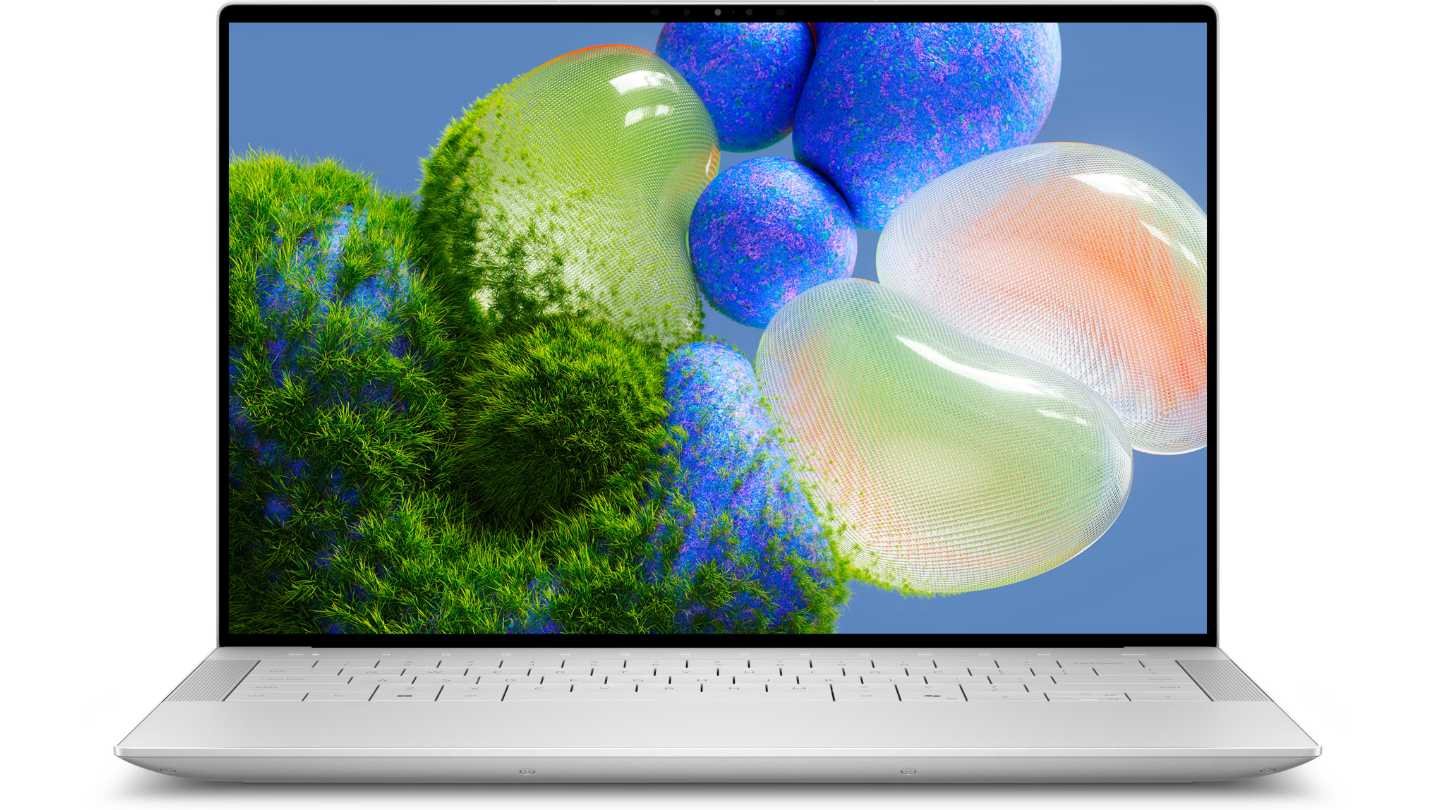
XPS 9440 Laptop | Dell USA
Recommended laptops: Apple MacBook Air M4 (light as a feather, all-day battery, stunning screen for reviewing content) or Dell XPS 14 with Intel Arc graphics. Budget-friendly picks like the Lenovo IdeaPad Slim or Acer Swift Go keep costs under $800 while delivering reliable performance. Writers and social pros love the Microsoft Surface Laptop for its premium feel and quiet operation.
Result? You stay mobile, focused, and client-ready without lugging a gaming brick. These machines sip power, run cool, and rarely need upgrades for years.
Medium-Demand Services: Creative Balance (Graphic Design, Photo Editing, and Light Content Creation)
Step up to graphic designers building brand kits in Adobe Illustrator, photo editors retouching product shots in Lightroom, or hybrid creators making Reels and TikToks with CapCut or basic Premiere timelines. These services involve larger files, color-critical work, and occasional video exports—but not full-blown Hollywood productions.
What you need:
- A creative-focused machine with visual accuracy and headroom for multitasking:
- Processor: Intel Core i7, AMD Ryzen 7, or Apple M4 (non-Pro). Multi-core speed speeds up filters and exports.
- RAM: 16GB standard—32GB if you juggle massive PSD files and browser research.
• Storage: 512GB–1TB SSD. Raw photos and design assets eat space fast. - Graphics: Onboard graphics shine for most workflows. Apple Silicon or Intel Arc handles Photoshop layers and Illustrator vectors effortlessly. Dedicated entry-level GPUs (like NVIDIA RTX 4050) give a boost for faster exports or 3D mockups but aren’t essential.
- Display: Crucial upgrade—look for 100% sRGB or DCI-P3 coverage, 300+ nits brightness, and at least QHD resolution. Color accuracy prevents client revisions.
- Other: Good cooling to avoid throttling during long sessions, Thunderbolt/USB-C ports for external drives, and 10+ hours battery.
Onboard vs. Dedicated Nuance:
For 90% of graphic and photo work, integrated graphics are plenty. They excel at 2D tasks and even light 1080p video. But if your days include heavy brush work in Procreate or batch-processing hundreds of images, a discrete GPU shaves minutes off every render—adding up to hours weekly.
ASUS TUF Gaming A16 Gaming Laptop, 16” FHD+ 16:10 165Hz Display, AMD Ryzen™ 9 7940HX, NVIDIA® GeForce RTX™ 4060, 16GB DDR5, 512GB PCIe Gen4 SSD, Wi-Fi 6, Windows 11, FA607PV-AS93 : Electronics
Recommended laptops: Dell XPS 14 (gorgeous OLED option for true-to-life colors) or ASUS VivoBook Pro with AMD graphics. Mid-range Windows creators often pick the Lenovo Yoga Slim series for its balance of power and slim profile. Apple MacBook Air M4 still punches above its weight here for lighter creative loads.
These laptops keep you agile—perfect for freelancers bouncing between coffee shops and client meetings—while delivering pro-level output without the premium price tag of full video rigs.
High-Demand Services: Raw Power Required (Video Editing and Motion Graphics)
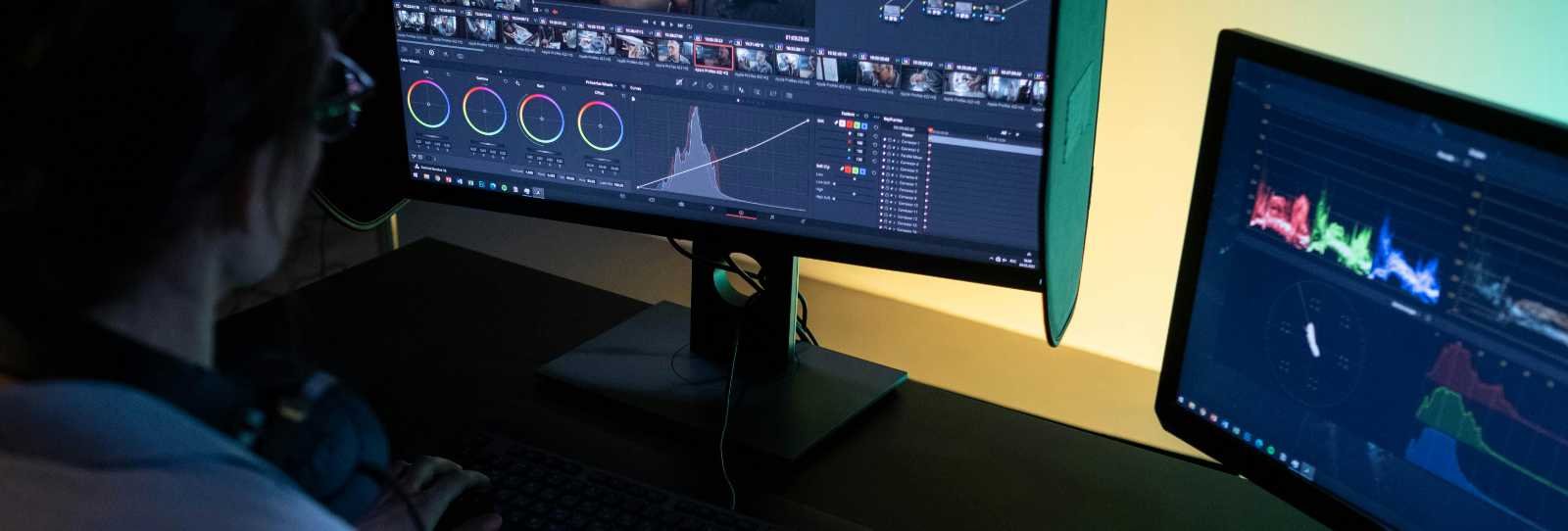
Video editors are the power users of online promotion. Whether crafting YouTube explainers, Instagram Reels at scale, corporate training videos, or ad campaigns with effects and color grading, this work is brutally demanding. 4K (or 8K) footage, multi-camera timelines, transitions, text animations, and exports to multiple formats hammer CPU, RAM, and especially GPU.
What you need:
- A desktop-replacement beast built for sustained performance:
- Processor: Intel Core Ultra 7/9, AMD Ryzen 9, or Apple M4 Pro/Max. 12+ cores for parallel rendering and scrubbing.
- RAM: 32GB minimum—64GB+ for complex projects with stacked effects or proxies.
- Storage: 1TB+ NVMe SSD (expandable if possible). Video files balloon quickly; fast read/write prevents dropped frames.
- Graphics: Here’s where onboard often falls short. Apple’s M-series integrated graphics (unified memory architecture) are exceptional—they power professional editing in Final Cut Pro with multiple 4K streams. But on Windows, dedicated NVIDIA RTX 4060 or higher is usually essential for CUDA acceleration in Adobe Premiere Pro or DaVinci Resolve. GPU handles effects, noise reduction, and encoding far faster than integrated chips.
------------------------------
rtings.com
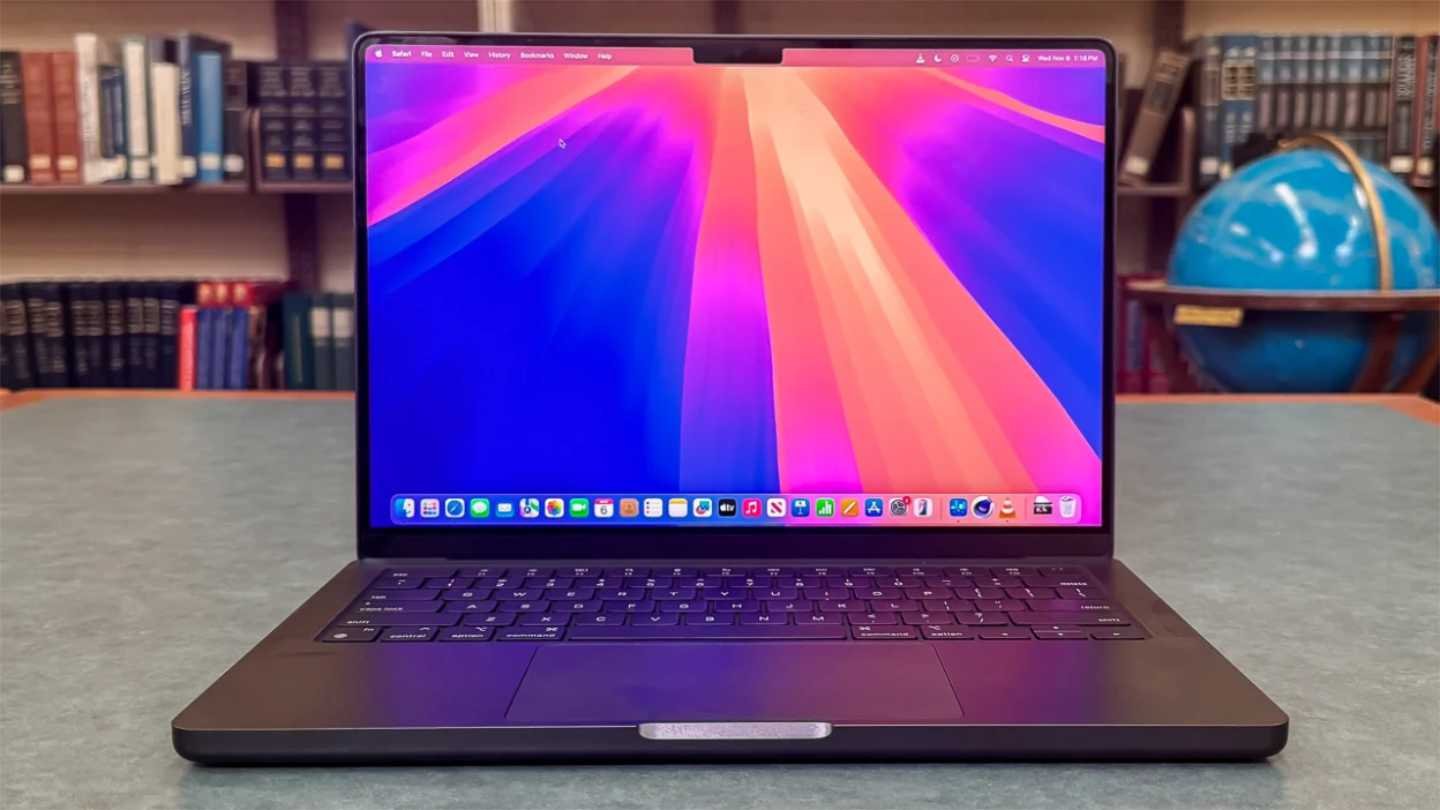
Apple MacBook Pro 14 (M4, 2024) Review - RTINGS.com
• Display: 14–16-inch, 120Hz+ refresh, 100% DCI-P3 color, and high brightness. Touchscreens or mini-LED help with precise timeline work.
• Other: Advanced cooling (vapor chamber or dual fans), long battery under light use (editing drains it fast), and ports galore for external SSDs and monitors.
Why the power gap exists:
Video software leans on GPU acceleration for real-time playback and exports. A simple 1080p cut might run fine on onboard graphics, but add Lumetri color, motion blur, or stabilization to 4K multi-layer timelines and integrated chips choke—leading to stuttering previews and hour-long renders. Dedicated GPUs cut render times by 50–70%. Apple’s optimization makes their integrated chips competitive with mid-tier discrete cards in optimized apps, but Windows users chasing flexibility need RTX muscle.
-------------------------
mashable.com
Apple MacBook Pro 14-inch (M4, 2024) review | Mashable
Recommended laptops: Apple MacBook Pro 14/16 (M4 Pro/Max)—the gold standard for portability and pro performance in Final Cut. Windows standouts include ASUS ProArt P16 or TUF Gaming A16 (RTX 4060/4070) and HP OMEN Transcend 14 for creator-focused design. Budget-conscious editors can start with Acer Nitro V 15, but expect louder fans and shorter battery.
Smart Buying Tips to Future-Proof Your Promotion Career
Match your spend to your income stream: Low-demand gigs rarely justify $2,000+ machines. Test software trials on store demos. Consider OS—macOS for seamless creative ecosystem, Windows for broader software and upgrade options. Check warranty, repairability, and resale value (MacBooks hold value best).
Look ahead: AI tools (like Adobe Firefly or auto-editing in CapCut) are ramping up NPU demands, so newer chips with 40+ TOPS AI performance add longevity. Ports matter—USB4/Thunderbolt for fast external drives. And don’t forget peripherals: a good external SSD or monitor turns any laptop into a workstation.
Budget guide (2026 prices):
• Low-demand: $600–$1,200
• Medium: $1,000–$1,800
• High-demand: $1,800–$3,500+
------------ --------------------
Your Next Move: Power That Matches Your Promotion Goals
Online promotion rewards speed and creativity, not just hardware flexing. A video editor without GPU acceleration loses clients to faster competitors. A social media pro with an overkill rig carries unnecessary weight (and cost).
By understanding your service demands—low, medium, or high—you avoid buyer’s remorse and unlock peak productivity.
Assess your current projects honestly. Start light if you’re growing; upgrade when timelines demand it.
The perfect laptop doesn’t just run your software—it fuels your next big campaign. Choose wisely, promote boldly, and watch your online hustle thrive.

0 Comments